
From Electron to Swift
Eight years of Electron, then I threw it all away and started over in Swift. 890 MB became 14 MB. And in the end the photo grid still had to move to AppKit.
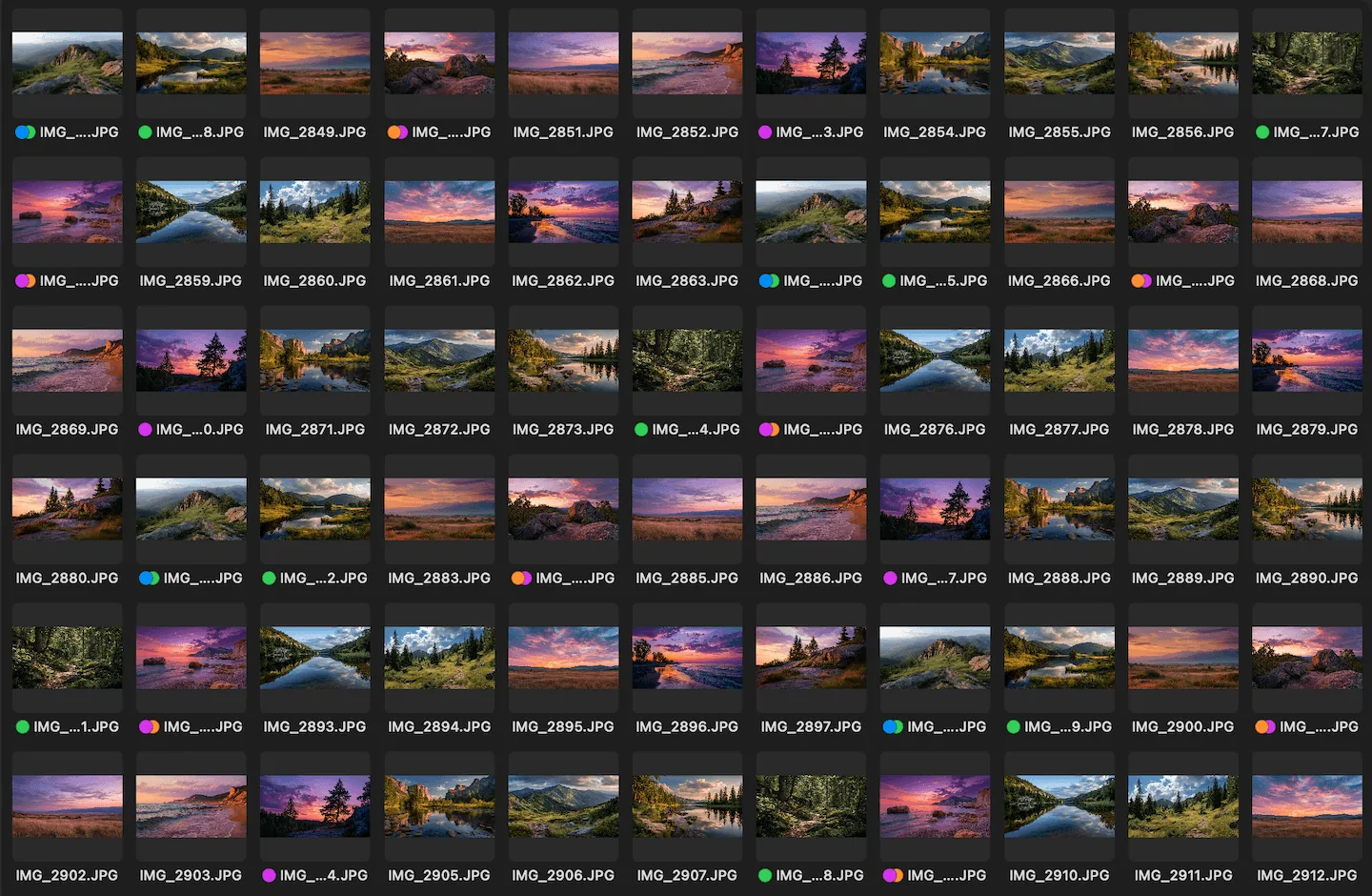
Phiewer today: 14 MB, native. The grid runs on NSCollectionView, the tiles are SwiftUI.
Phiewer has been on the Mac App Store since 2017. It's a photo viewer that works directly on your folders, no library, no import. Until the end of 2025, it was an Electron app.
In July 2025 I deleted the old project and started over in Xcode. In January 2026 version 6.0 came out, written in Swift, 14 MB instead of 890 MB. A few months later I had to rebuild the one part that matters most, the thumbnail grid, all over again. But let's start at the beginning.
Why Electron in the first place?
I come from web development. I had built iOS apps and games with Objective-C and SpriteKit before, but a whole desktop app in Objective-C felt like too much for me. Electron made it possible: build a Mac app with HTML, CSS and JavaScript, the things I already knew. And then there was the argument everyone knows: later you can also ship it for Windows and Linux.
I never did. It wouldn't even have worked, the code had become far too Mac-specific over the years. So I put up with all the pain for a benefit I never used.
What wore me down about Electron
Not one big problem. Lots of small ones, and they kept piling up over the years:
- •Size. 890 MB for a photo viewer. Every download and every update shipped an entire browser.
- •It never felt like a real Mac app. No matter how much work I put in.
- •Node modules with native code. They have to be recompiled for each Electron version. One module worked with the new Electron version, another not yet, or never. In the end I couldn't update Electron at all: the last version of Phiewer still ran on Electron 24 from April 2023. When I started over in summer 2025, Electron was already at version 37. On top of that, some packages each wanted a different Node version.
- •Electron changed underneath me. My window talked to the main process directly through the
remotemodule. That was deprecated in Electron 12 and removed in Electron 14, for security and performance reasons. Fair enough, but for me it meant rewriting every call in ten files to use the replacement package@electron/remote. And I rolled back the update to Electron 12 on the same day, because browsing videos started to stutter. - •Signing for the App Store. Two entitlements files, one for the app and one for everything inside it: helpers, frameworks, libraries. Plus a script that signs it all in the right order. In the end my script called
codesign33 times, once for every library and binary: ffmpeg, HandBrake, dcraw, sharp, libvips and so on. If I added a new module and forgot to put it in the script, the upload bounced back with an unsigned library. I even removed one module again because it caused nothing but signing errors on upload. - •Everything twice. The free lite version was a separate, second app. Every build, every signature, every upload, twice. And when a new PRO feature that lite didn't even have got a fix, the version and build numbers of the two apps drifted apart.
- •RAW files. For those I used dcraw, a command line tool that was barely maintained even back then (the last version is from 2018, new cameras have been supported by LibRaw since). For every RAW image that meant: create a cache folder, copy the original into it, run dcraw on it, rename the result and load the TIFF into the window. All as separate command line calls, even
mkdir,cpandmv. HEIC images went through sips. Thumbnails were generated up front with the sharp module and stored in my own cache. You can imagine how many issues came in because some particular RAW format didn't display correctly.
Here's what that looked like in code, slightly shortened:
var mkdir = spawn("mkdir", [rawFilesCacheFolder]);
mkdir.on("close", function () {
  var copyOriginalFile = spawn("cp", [filepath, rawFilesCacheFolder]);
  copyOriginalFile.on("close", function () {
    // -T TIFF output, -w camera white balance, -h half size (50% faster)
    var dcraw = spawn(dcrawpath, ["-T", "-w", "-h", cachedRawFile]);
    dcraw.on("close", function (code) {
      var mv = spawn("mv", [cachedTiff, renamedTiff]);
      mv.on("close", function () {
        // load the TIFF via XMLHttpRequest and draw it into a canvas ...
      });
    });
  });
});
The build command from my old package.json shows best what it had turned into: 43 dependencies from jQuery to sharp to HandBrake. dcraw and ExifTool copied into node_modules by hand, sharp rebuilt for each architecture, a few modules patched with patch-package, and finally my own signing script:
"build": "rm -rf node_modules && rm -rf yarn.lock && yarn install
  && npm rebuild --platform=darwin --arch=arm64 sharp
  && mkdir node_modules/dcraw && cp ../phiewer-src/dcraw/* node_modules/dcraw/
  && mkdir node_modules/exiftool && cp ../phiewer-src/exiftool/* node_modules/exiftool/
  && gulp && npx patch-package
  && yarn package-mac
  && mv \"Phiewer PRO-darwin-arm64/Phiewer PRO.app\" ~/Desktop/
  && cp -f buildscripts/For_AppStore/sign.sh ~/Desktop/ && sh ~/Desktop/sign.sh"
What cost me the most nerves, though, was the sandbox. During development the app runs without a sandbox, in the App Store it runs inside one. Things that worked fine during development just failed silently in the shipped app, reading a folder for example. So: add debug output to the release build, build, sign, test, and search Stack Overflow for what EPERM means and why it only shows up in the packaged app. One example: if you open a single file in the sandbox, the app may read exactly that file and nothing else in the folder. But a photo viewer needs the whole folder for thumbnails and paging. So Phiewer caught the EPERM error and showed a second dialog asking you to grant access to the folder. Same story with sips, the command line image tool in macOS: I wanted to use it to have the system generate thumbnails. It worked during development, but not in the shipped app, this time without any error message at all.
And then there were security-scoped bookmarks. That's how a Mac App Store app remembers which folders it may access, even after a restart. For a photo viewer that works on folders, nothing works without them. I could only test them in the signed App Store build, they don't exist during development. Electron had an API for it, I had wired everything up, and it should have worked. It didn't. At some point I filed an issue, and yes, it was a bug in Electron that simply nobody had noticed yet. Then you wait for the fix. Patching it myself was too complicated for me back then, without AI. I hated it.
Then Apple Silicon arrived
At first Phiewer only ran on Intel Macs. The first Macs with Apple chips came out at the end of 2020. I had a separate ARM build a year later, at the end of 2021, and my first universal binary only in January 2024. The tooling was just bad at the beginning, and now I had the dependency problems from above twice: sharp and ffmpeg, for example, had to be built and signed separately for each architecture.
The annoying part: I knew it could be different from iOS development. There you hit “Archive” in Xcode and that's it.
Delete everything and start over
At some point I was done patching. In July 2025 I deleted all the files, created a new project in Xcode and started from zero, a clean slate, every developer's dream. This time with Swift and SwiftUI. I didn't carry over a single line of the old code. Only the knowledge of what the app has to do and how it should look.
It wasn't only about the size. I finally wanted to build the app the way Apple intends:
- •890 MB became 14 MB. No browser in the bundle anymore, just the app.
- •Real Apple controls. The sidebar is a proper window sidebar, not a JavaScript and CSS layer that slides in and out. Everything looks the way Apple designed it for the current macOS version.
- •Dark mode without my own colors. No more custom color definitions, the system takes care of it.
- •RAW without the command line. macOS can decode RAW itself, and LibRaw is linked directly as a library instead of called via
spawn. Thumbnails come from the system instead of my own cache. - •No more Node modules that don't match the Electron version. And no more VS Code with HTML, CSS and JavaScript, just Xcode. Archive, upload, done.
- •One app instead of two. There has always been PRO (one-time purchase) and lite (free). Today it's the same app with two targets. In lite everything is there and visible, but the PRO features are disabled and marked with a PRO badge.
It took about half a year until release. In January 2026 Phiewer 6.0 came out, free for everyone who had bought it before.
I never measured anything on the old version. But it feels like the app starts twice as fast, and thumbnails are there instantly. The response was fantastic, and sales have been clearly better since. The new lite version, which shows what PRO can do, and a slightly higher price surely helped too.
And then AppKit after all
Building the app the way Apple intends isn't always perfect either. SwiftUI still has its limits with very large lists. Apple knows that too: at WWDC 2025 it announced that lists with more than 100,000 items now load six times faster on the Mac. And for some things, even pure SwiftUI apps still fall back to AppKit today. So you use AppKit, and when it comes to stability, AppKit is a tank.
For me it was the thumbnail grid. It was built the textbook way: a LazyVGrid in a ScrollView, wrapped in a ScrollViewReader, so the grid scrolls along when you move through the folder with the arrow keys.
ScrollViewReader { proxy in
    ScrollView {
        LazyVGrid(columns: [GridItem(.adaptive(minimum: thumbnailSize))], spacing: 8) {
            ForEach(fileBrowser.currentItems) { item in
                FilesSectionItemView(item: item, size: thumbnailSize, ...)
                    .id(item.id)
            }
        }
        .onChange(of: fileBrowser.selectedFile?.id) { selectedId in
            if let selectedId {
                withAnimation { proxy.scrollTo(selectedId, anchor: .center) }
            }
        }
    }
}
It ran smoothly with large folders too. Or so I thought. Until, in a folder with 14,000 photos, I pressed the left arrow key on the first image and jumped to the end of the list. The jump itself was fast. But after that, every keypress took about two seconds before anything moved on screen. And the strange part: back at the start of the list, everything was normal again.
My guess (if you know the internals better, please correct me): LazyVGrid only builds the views that are currently visible. But it also doesn't know where an item it hasn't laid out yet actually is. To scroll to item 13,500, it has to compute the layout of everything before it. So scrollTo gets more expensive the further down the target is. Not great for a photo viewer that does nothing but scroll all day.
NSCollectionView with a flow layout knows the size of every item up front. Where item n sits is simple arithmetic. So scrollToItems(at:scrollPosition:) always costs the same, whether the target is item 10 or item 100,000.
I didn't want to rewrite the cells themselves, they already did everything: thumbnails, selection, context menu, inline rename, drag and drop. So I only swapped the container for AppKit. The cells are still SwiftUI, hosted in an NSHostingView inside each NSCollectionViewItem:
final class FilesGridHostingItem: NSCollectionViewItem {
    private var hostingView: NSHostingView<AnyView>?

    override func loadView() {
        view = NSView()
        view.wantsLayer = true
    }

    func host<Content: View>(_ rootView: Content) {
        let wrapped = AnyView(rootView)
        if let hostingView {
            hostingView.rootView = wrapped   // reuse: just swap the root view
        } else {
            let hv = NSHostingView(rootView: wrapped)
            // ... pin to all four edges
            hostingView = hv
        }
    }
}

// Scrolling to the selection is now a single call, no matter how far down it is
collectionView.scrollToItems(at: [IndexPath(item: index, section: 0)],
                             scrollPosition: .centeredVertically)
Since then, the same jump in the same folder has no delay anymore, and folders with several hundred thousand images scroll smoothly too. What that feels like for users is in the article Performance Boost in Phiewer.
What was still broken afterwards
The switch itself was quick. Getting everything around it right again took until September. Six things SwiftUI had been handling for me without me noticing:
- •New tags didn't show up.
FileItemonly compares the URL forEquatable. So after a tag change, SwiftUI thought the cell hadn't changed. The fix: a custom identity made of URL, tags and comments (code below). - •
reloadData()jumps to the top. On every new or deleted file. If the new list shares not a single ID with the old one, it was a folder switch and jumping to the top is right. Otherwise I remember the topmost visible item and how far it's scrolled past the edge beforehand, and restore that afterwards. - •
withAnimationleaks into AppKit. An oldwithAnimationaround a toggle made AppKit animate the new layout and the scroll correction. The grid wobbled. - •Thumbnails flashed grey. A cell that gets re-bound starts with empty
@State. Now it also checks the cache directly. - •Clicking made the grid slide away under the mouse, because it centered on the selection. Clicks now only scroll as far as needed, arrow keys still center. Small trap: for top or bottom you need
.nearestHorizontalEdge. - •Custom layouts were easier than expected. The “Exposé” mosaic computes all positions once in
prepare(). The pinboard needs no custom layout at all, because rotation and offset live inside the SwiftUI cell.
private struct FileCellIdentity: Hashable {
    let url: URL
    let tags: [String]
    let comments: String
}

cell.host(FilesGridCellWrapper(item: fileItem, ...).id(FileCellIdentity(fileItem)))
What I'd do differently today
Build for the platform your app actually runs on. I fought with Electron for years to keep Windows and Linux open, and never needed either.
SwiftUI isn't slow, but it doesn't fit everywhere. The cells are still SwiftUI, and that's good. But for lists with tens of thousands of items where you constantly jump around, the container should know up front where everything is. On the Mac, that means NSCollectionView.
Users notice the difference. Nobody ever wrote to me “please, no Electron app”. They noticed anyway.
If you've actually managed to make LazyVGrid fast for lists this big: I'm curious how.
About Phiewer
Phiewer is a photo and video viewer for macOS. The free version (lite) includes the full image viewer. Phiewer PRO is a one-time purchase, no subscription.