
Tips, tricks, and updates about Phiewer
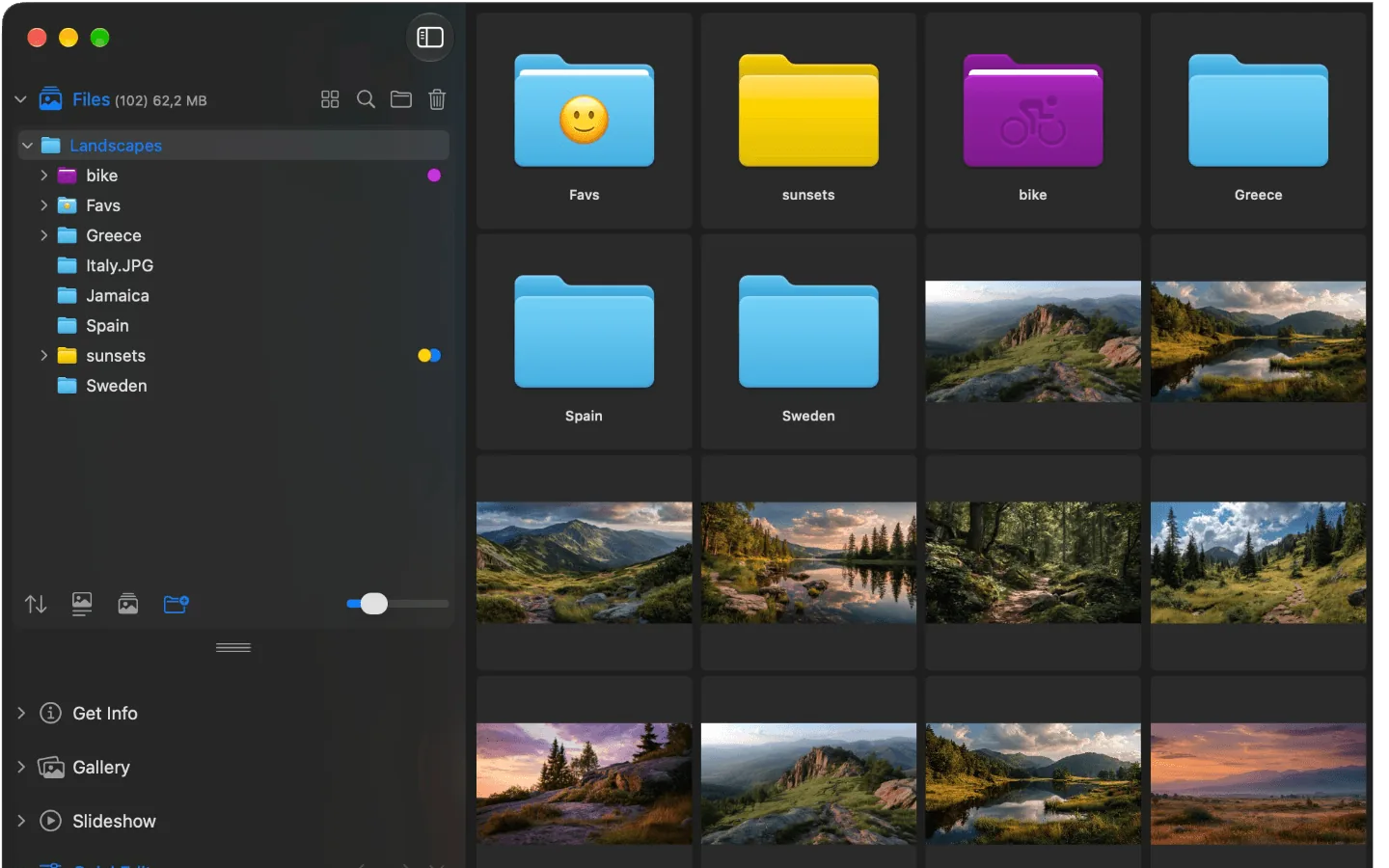
FastStone Image Viewer and IrfanView are Windows only. These Mac apps work the same way: open a folder, go through with the arrow keys, delete with a single key.
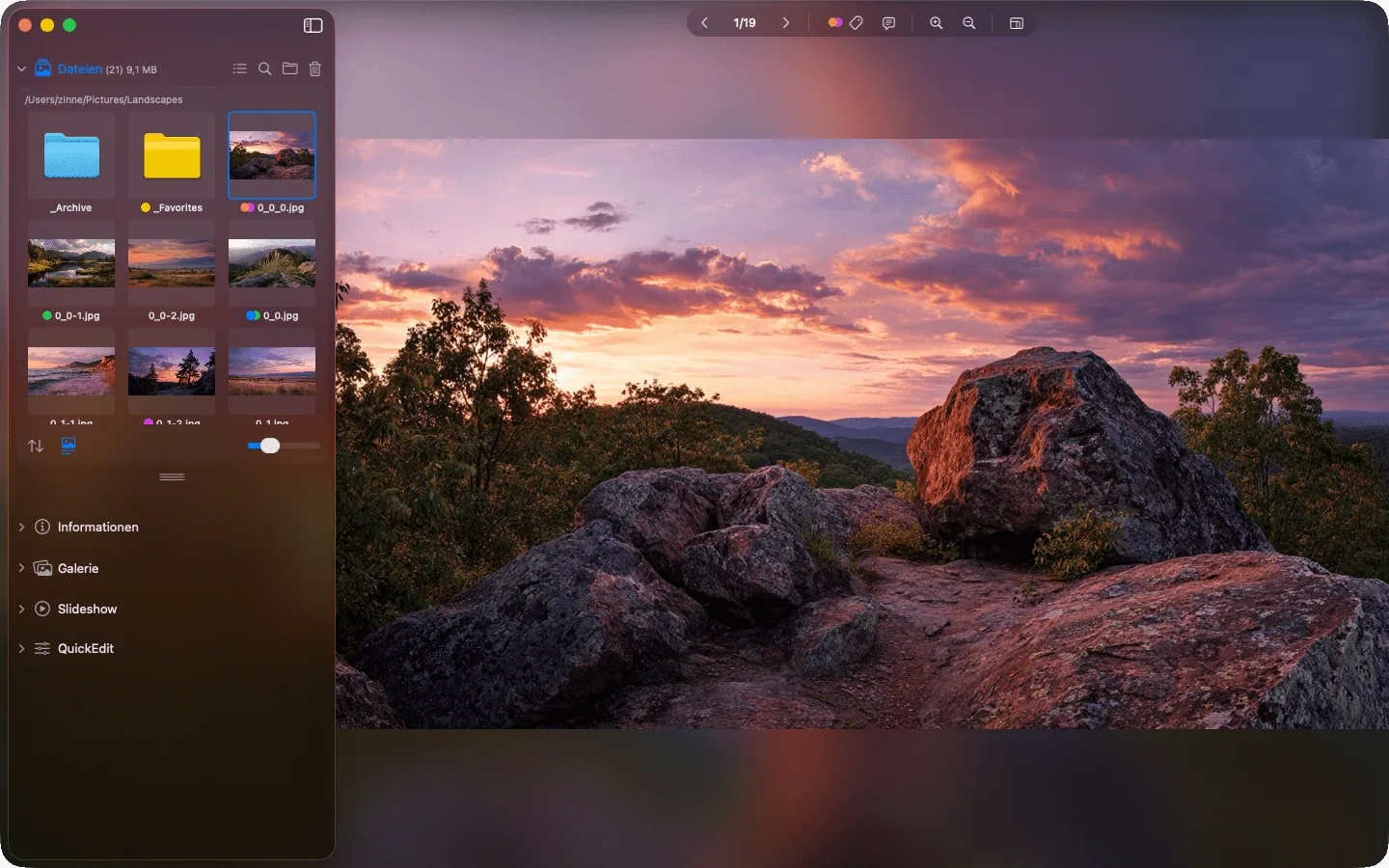
How to view CR3, NEF, ARW, RAF, DNG and other RAW files on a Mac: no import, no Lightroom, no subscription. Open the folder, click through, sort out.
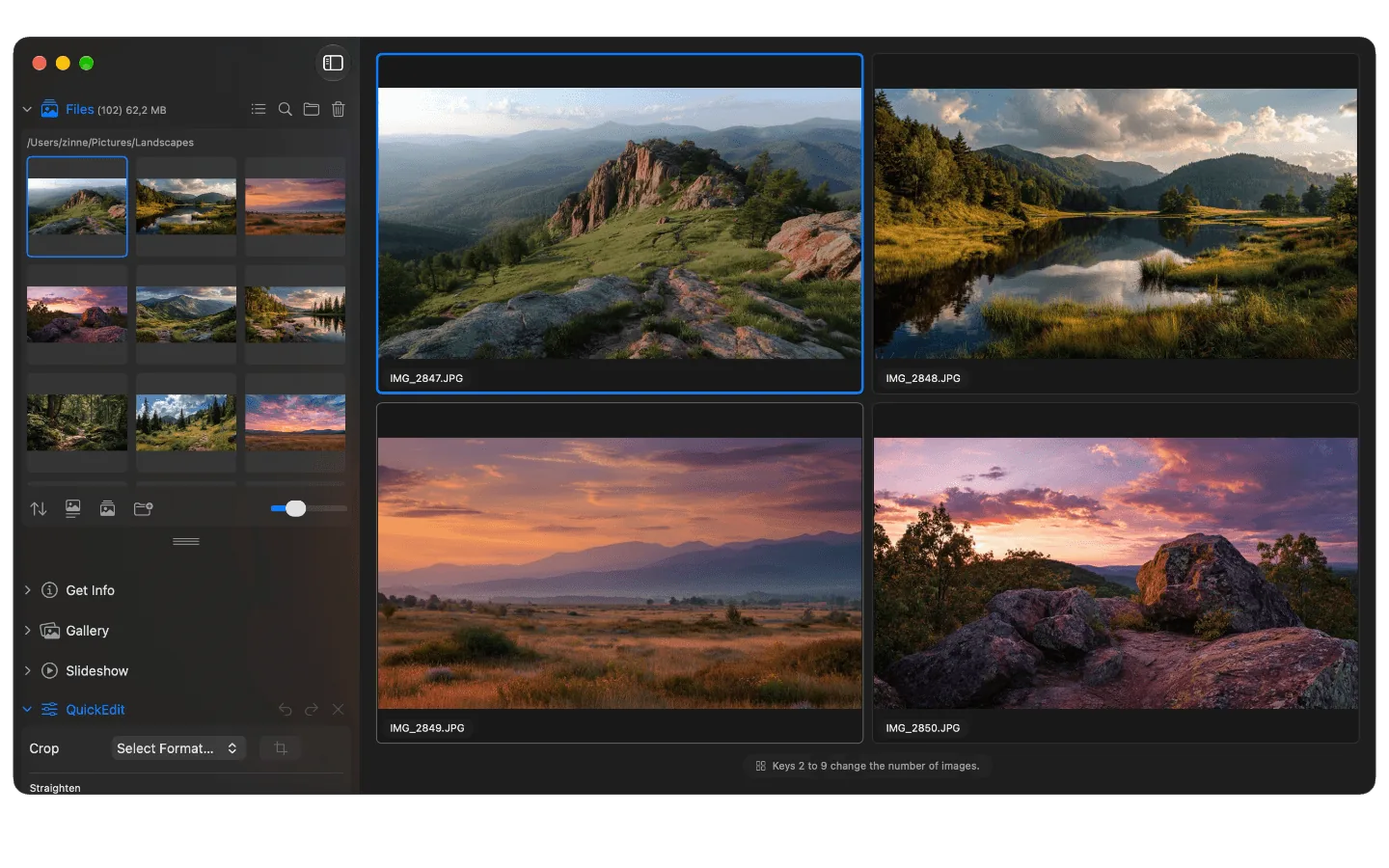
Hold down the C key and see several images side by side at full size: the new compare view in Phiewer shows 2 to 9 images at once, also from the gallery views and the folder view.
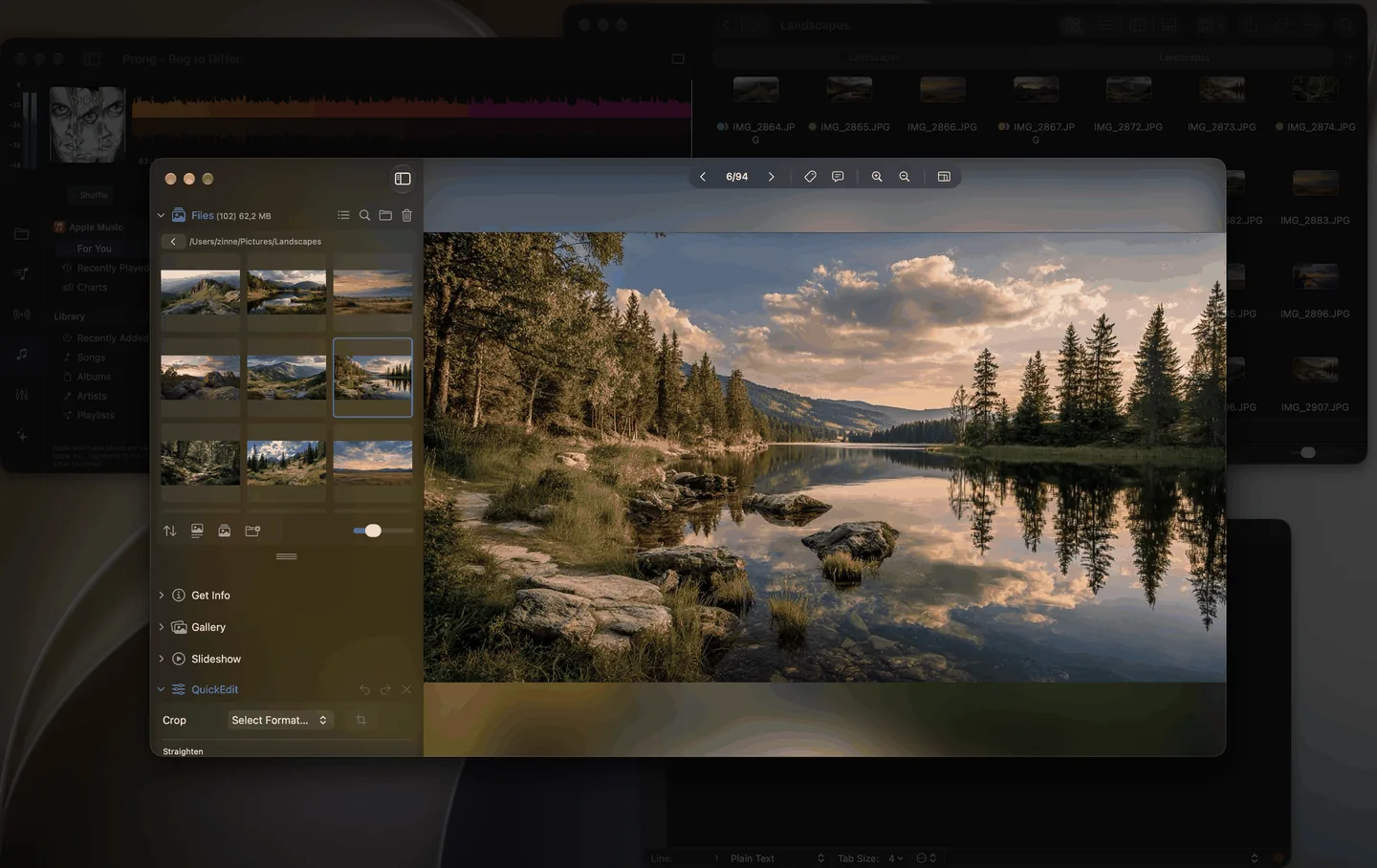
The new theater mode in Phiewer dims the desktop, its icons and other apps, so nothing distracts from your images while you view them. You decide how strong the dimming is.
In Phiewer you can show or hide folders with a single click, in the thumbnail view and in the folder view, each independently of the other.
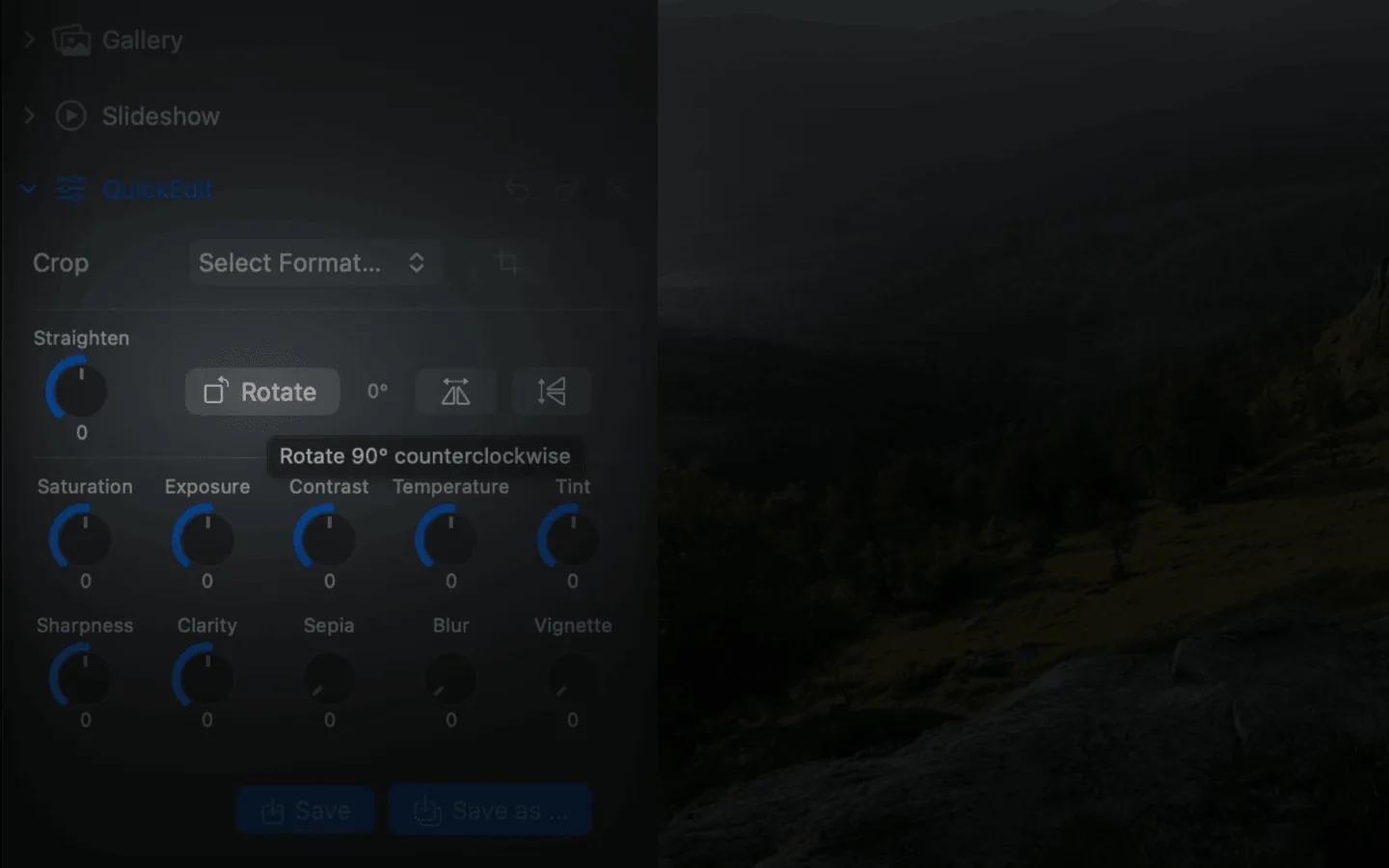
In Phiewer 7.1, holding the Option key makes the Rotate button in QuickEdit turn counterclockwise, just like in the Preview app on macOS. No more clicking three times to rotate an image to the left.
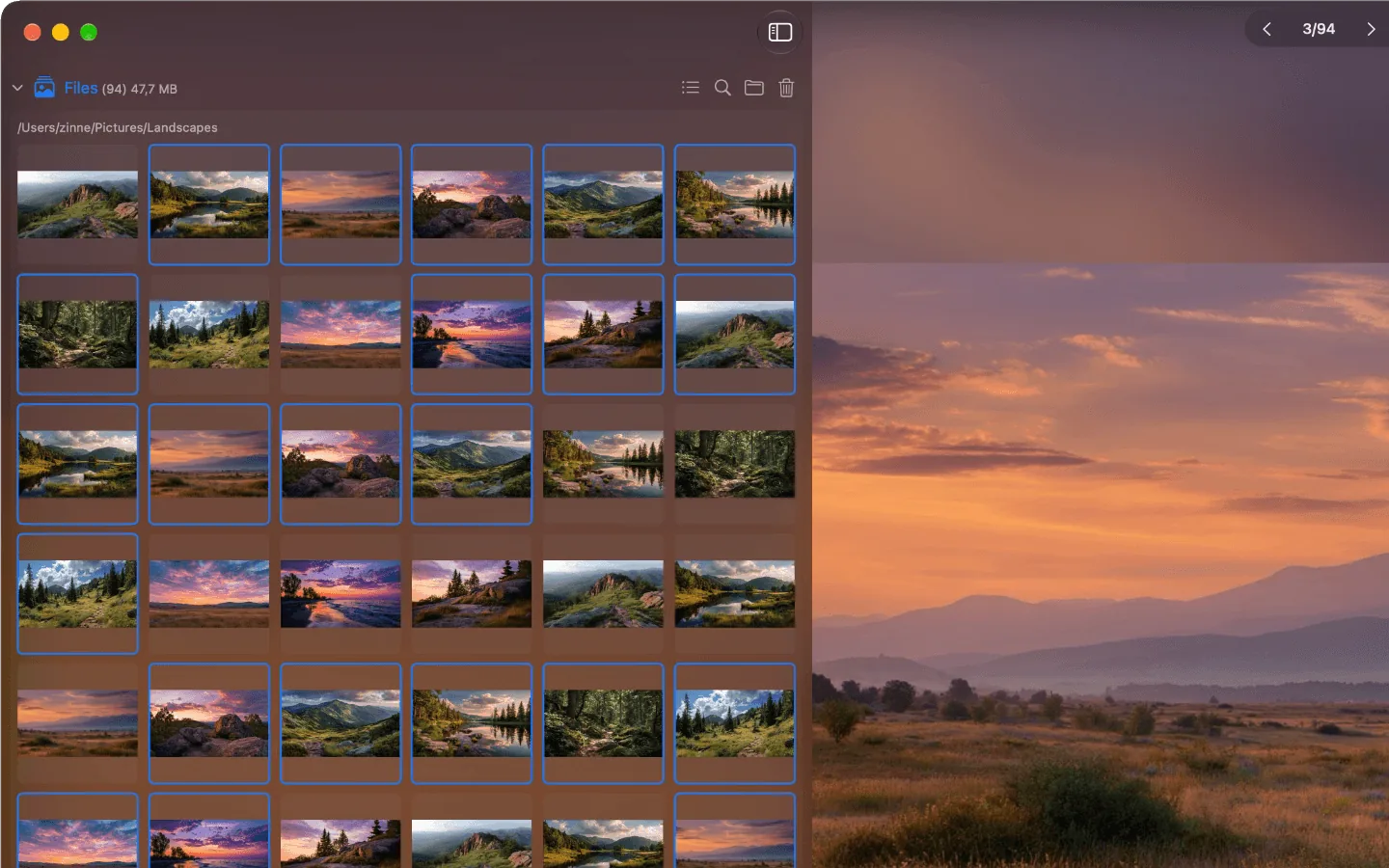
Phiewer 7.1 adds an optional single-click selection mode: one click selects, a double-click opens. Select multiple images without holding down the Cmd key, in the thumbnail view, the folder view and all gallery views.
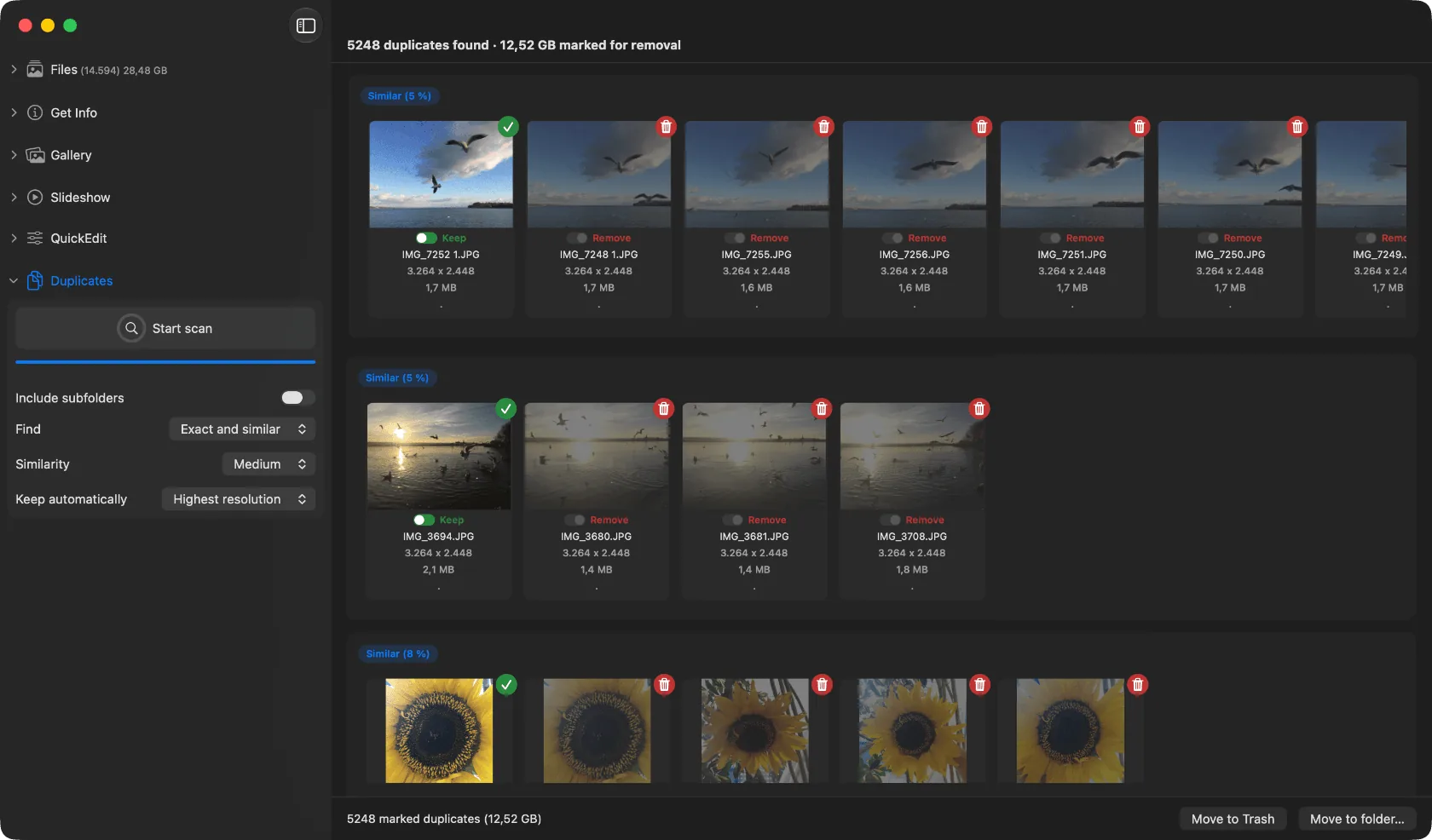
Phiewer 7 adds built in duplicate detection. Pick a folder, review exact copies and similar shots as groups, keep or delete. No second app, no import.
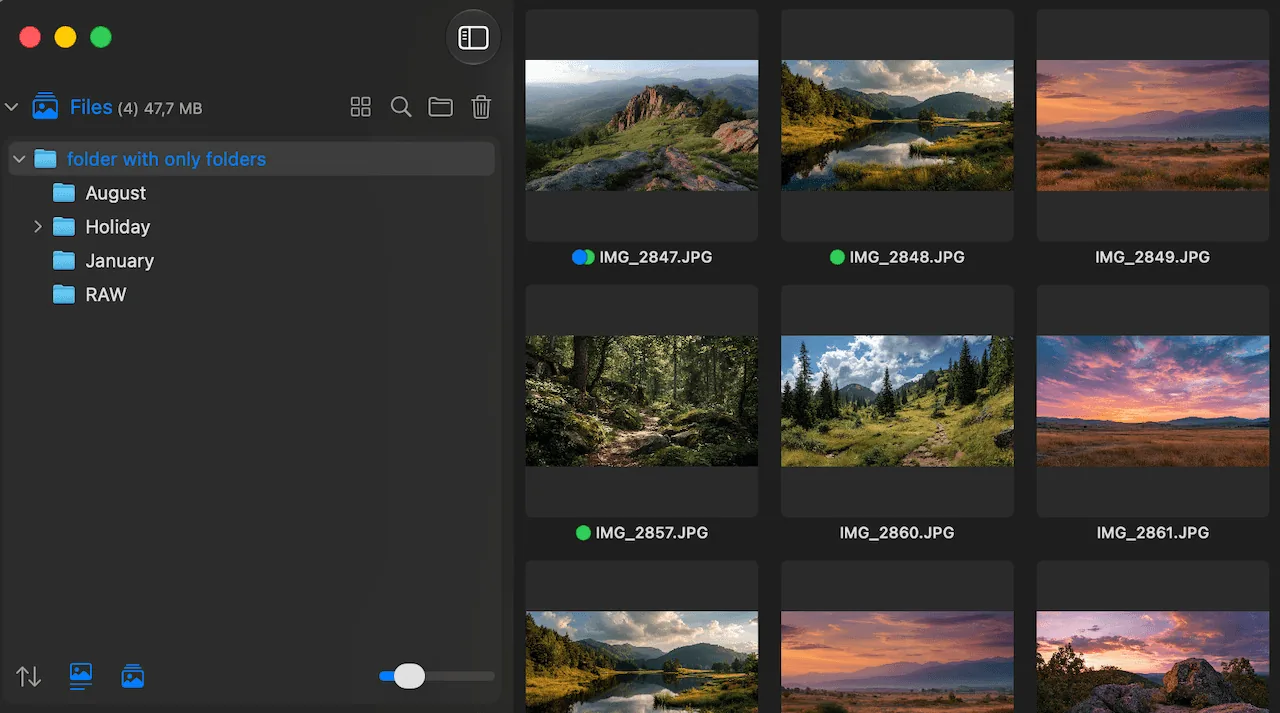
Phiewer 7 can show every image from all subfolders directly in the current file view. A nested folder structure turns into one continuous overview, with no import and nothing rearranged on disk.
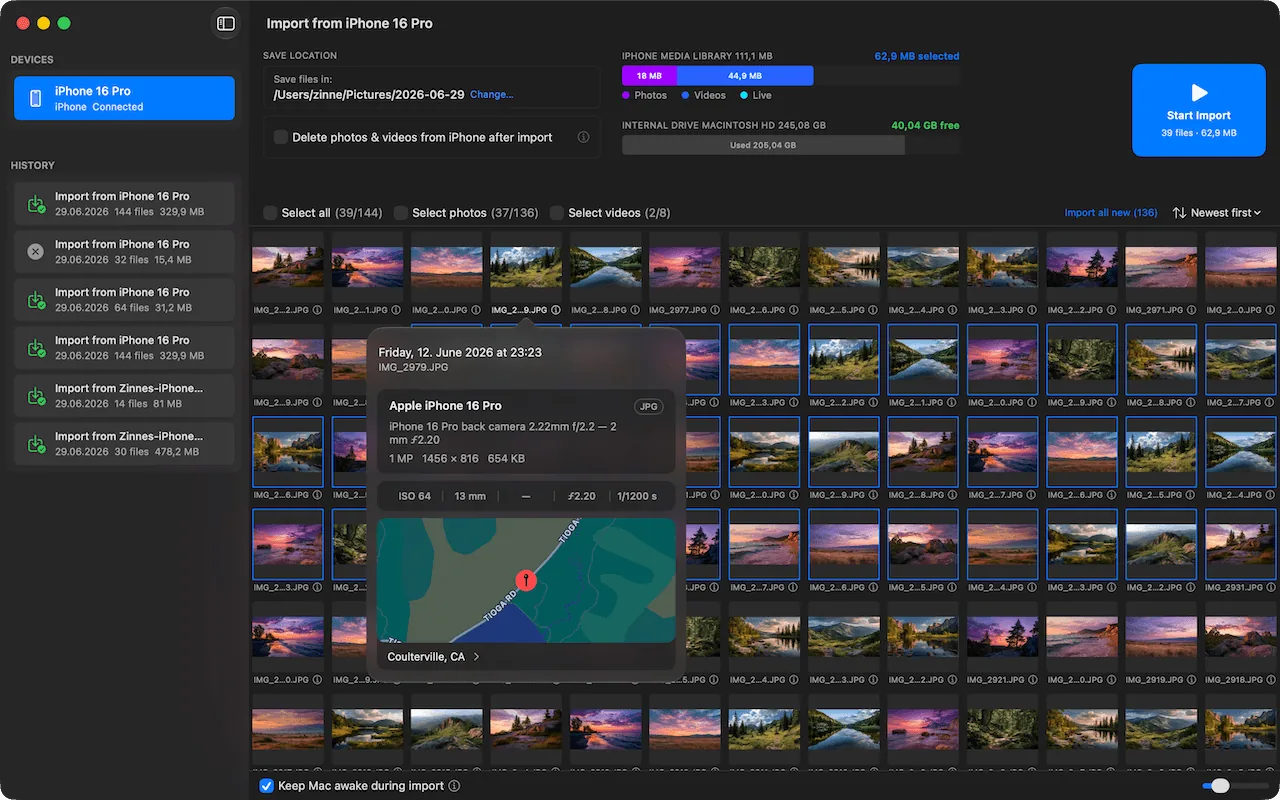
Photo RollOff is our new standalone Mac app that moves photos and videos from your iPhone to your Mac as real files. Into a folder you pick, without iCloud, without an account, without a subscription. Pay once, use forever.
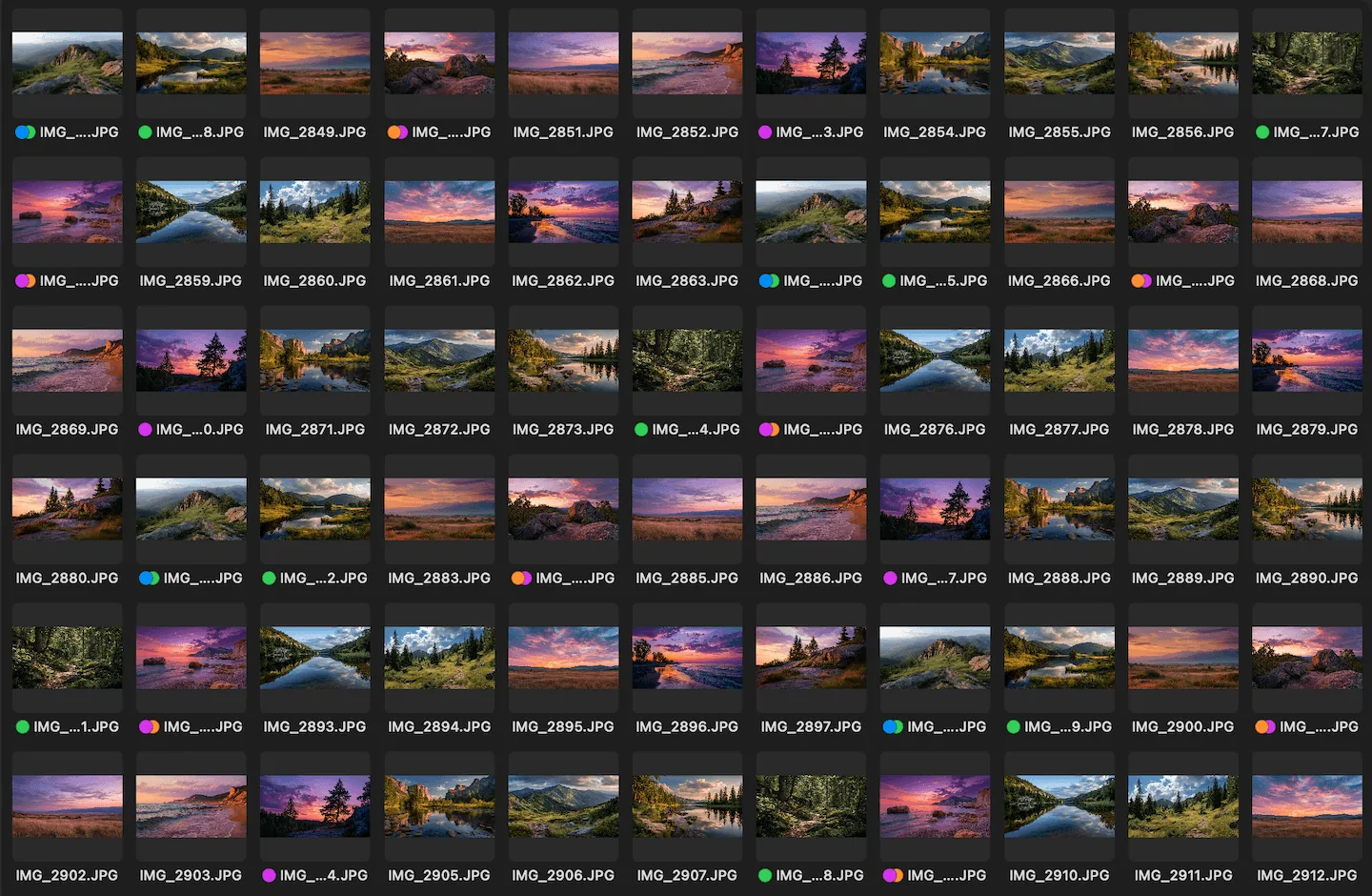
Phiewer was rebuilt on the proven AppKit foundation of macOS. The thumbnail grid in the sidebar and gallery now stays smooth even in folders with hundreds of thousands of images, without stutter and without noticeable delay.
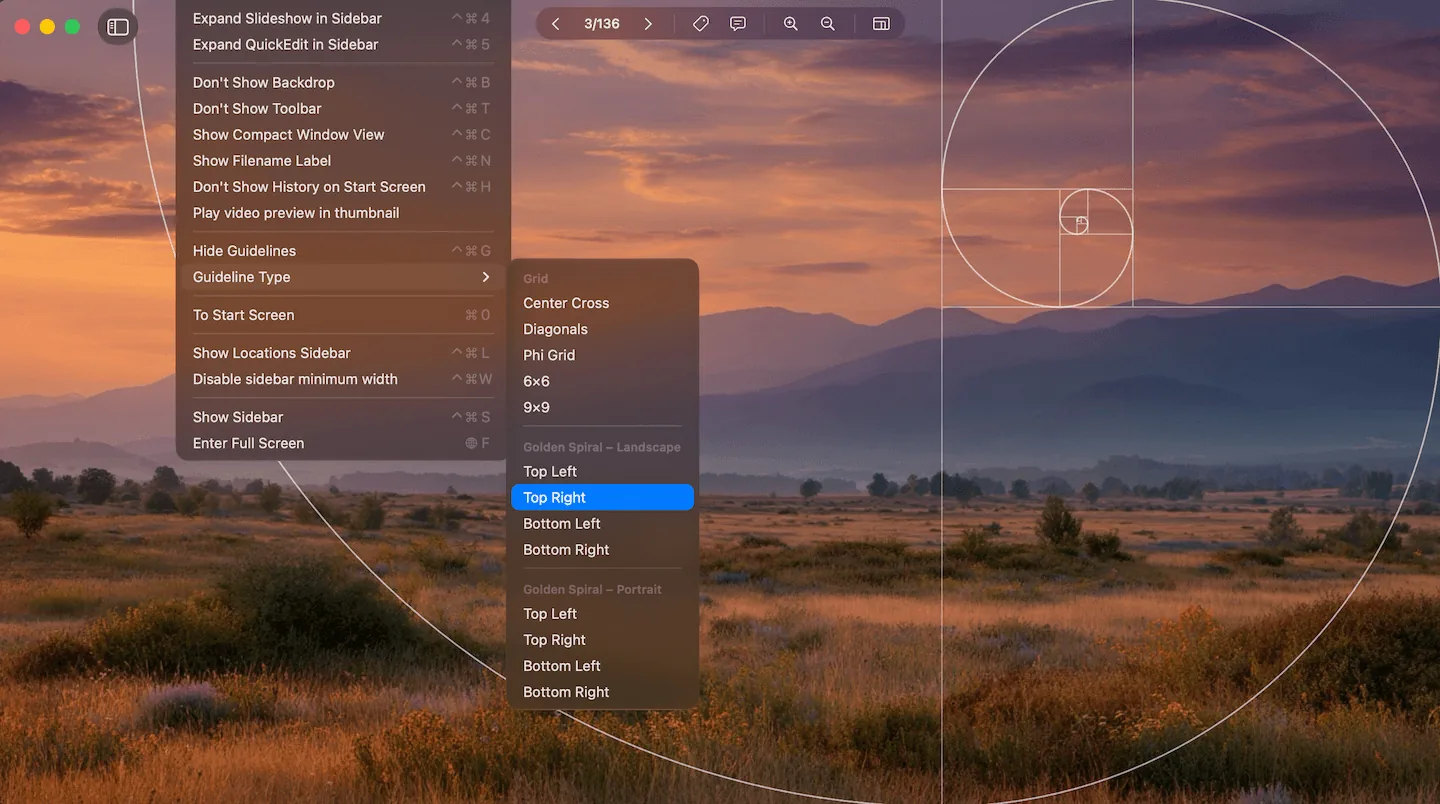
New composition guides in Phiewer: Center Cross, Diagonals, Phi Grid, 6×6 and 9×9 grids and Golden Spiral (Fibonacci). Available in the crop tool and directly in the image view.

Phiewer Select is the new Mac app for fast photo culling. Sift, rate and pick hundreds of images by keyboard – RAW included. No library, no subscription.

Phiewer 6.3 is a stability update based on your feedback: improved favorites, new file tools like Move/Cut, natural sorting, bugfixes and more. Image viewer and culling tool for macOS.
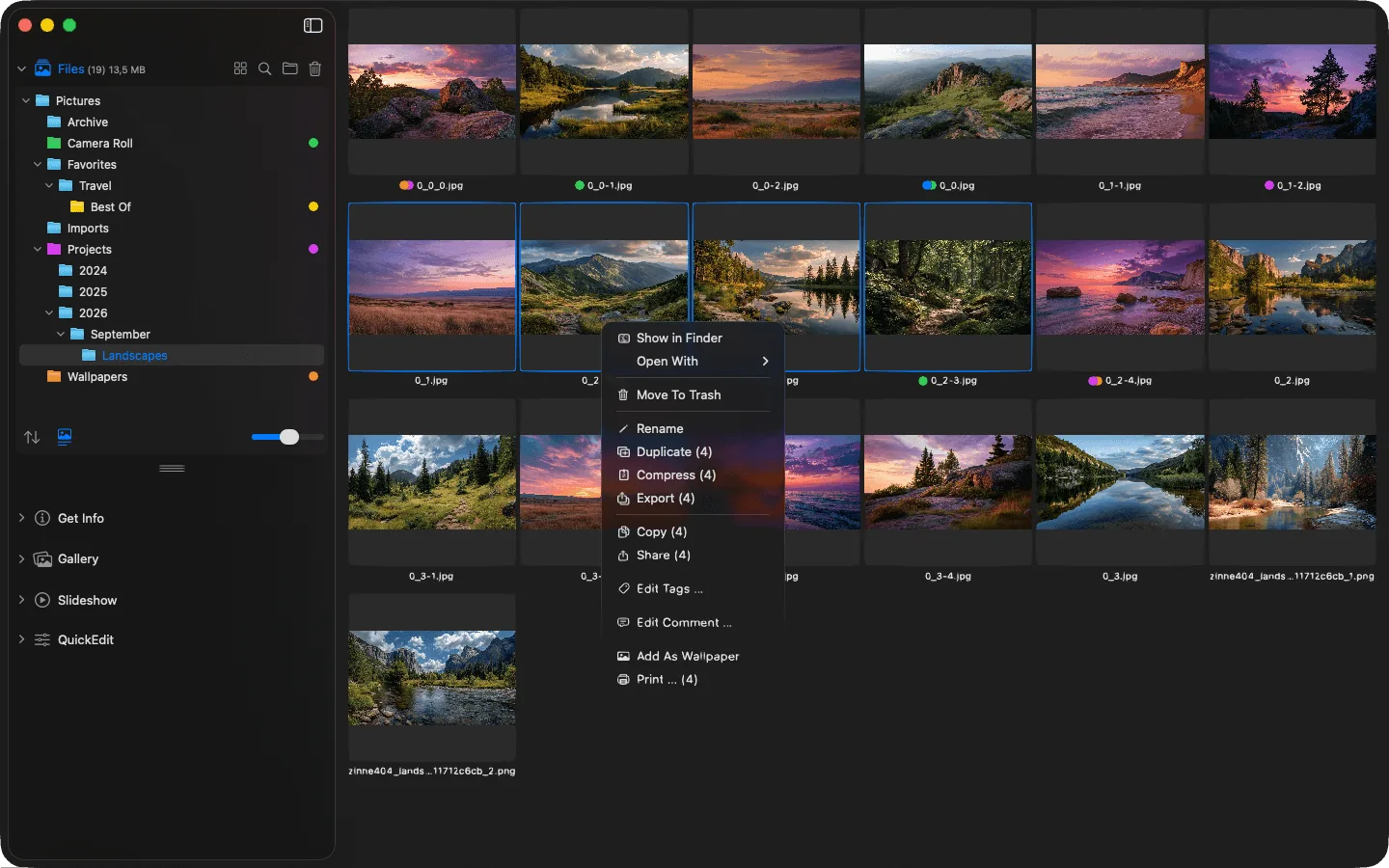
When browsing images on your Mac, speed alone isn't enough. What really matters is how well your image browsing workflow preserves visual context – and why folder-based image viewers like Phiewer have a clear advantage.
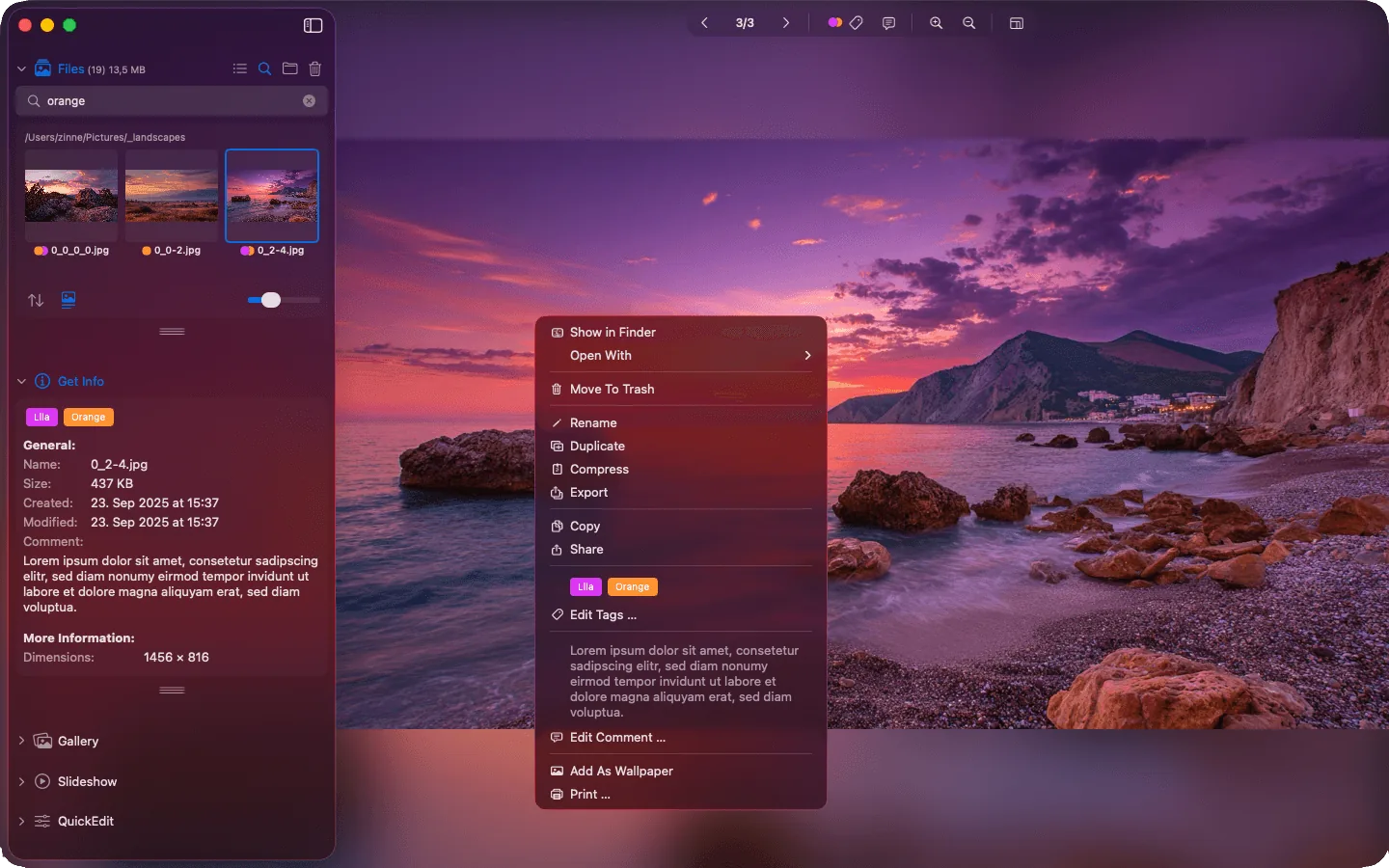
Preview, Photos, Pixea, XnView MP, ApolloOne, Lyn, qView and Phiewer compared: price, RAW support, folder browsing and which image viewer for Mac is right for whom.
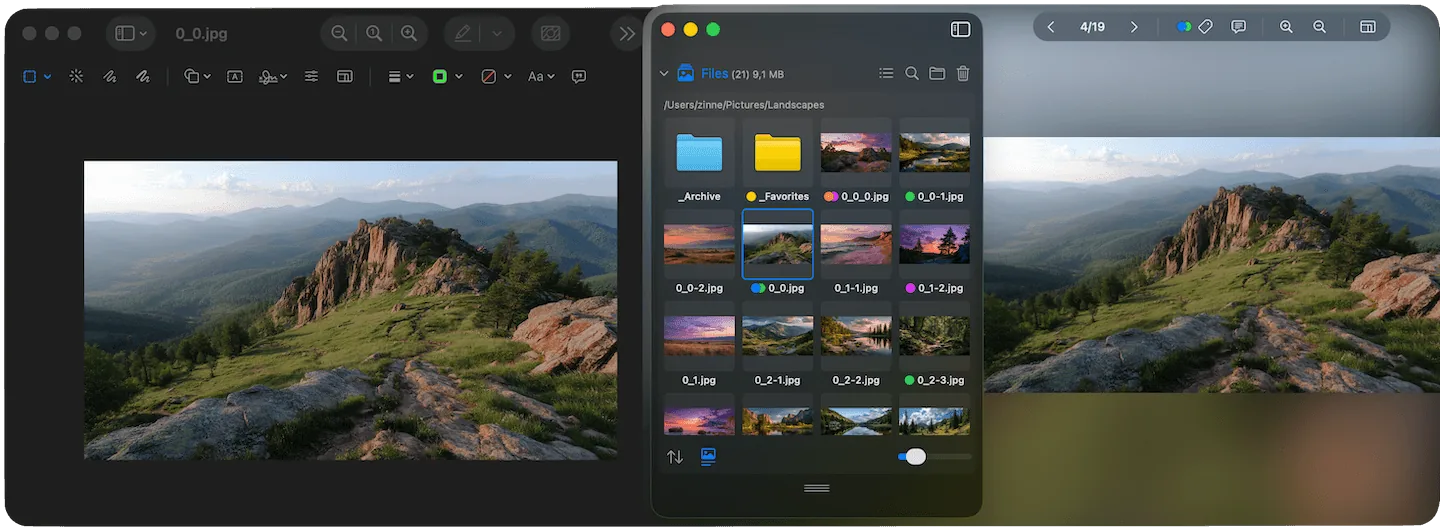
Preview.app works well for opening single files – but when it comes to real image work with multiple files, it quickly shows its limitations. Phiewer offers a folder-based workflow that makes browsing, comparing, and managing media feel natural again.
Why Phiewer was an Electron app for years, why I deleted it and rewrote it in Swift, and why the photo grid then had to move from SwiftUI to AppKit after all. For developers, with code.