
Adobe Bridge Alternative for Mac
Browse, sort and collect photos, without an Adobe account and without Creative Cloud.
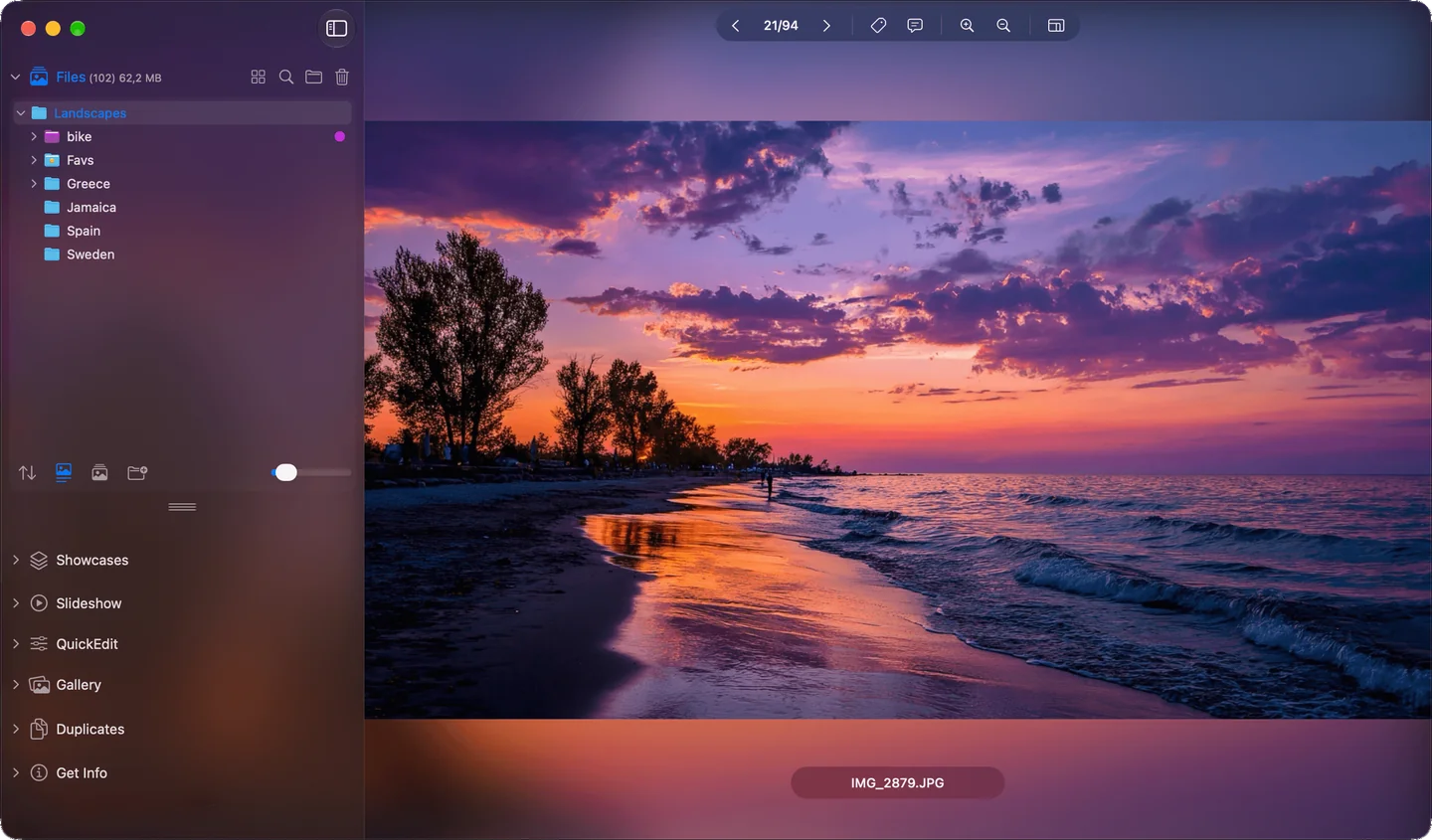
Folders on the left, images on the right: browsing photos in Phiewer
You canceled your Adobe subscription, or never had one. You just want an app to look through your photos, sort them and move them into folders. The first thing that comes to mind is Adobe Bridge.
Bridge is free, but only with an Adobe account. It's installed through the Creative Cloud app, and you need an internet connection to activate it. That's a lot of overhead if all you want is to look at your photos.
Does Adobe Bridge cost anything?
No, Bridge itself is free. But you need an Adobe account, and Bridge only really comes into its own together with Photoshop, which is subscription only. If you work with Photoshop anyway, that's no problem. If not, there's a simpler way.
What you know from Bridge, in Phiewer
| In Bridge | In Phiewer |
|---|---|
| Browse folders with thumbnails | Thumbnail view and folder view |
| Collections | Showcases (PRO) |
| Drag files into other folders | Drag and drop like in Finder, with ⌘Z to undo |
| Keywords and labels | Finder tags and comments (PRO) |
| Compare images | Compare view (PRO) |
| RAW previews | View RAW files directly |
| View and filter metadata | File info with EXIF, search by camera, date, tags |
| Batch export | Multi-export and batch compression (PRO) |
What Phiewer does on top
Phiewer finds duplicate images on your disk, plays slideshows across all subfolders in random order and dims everything around it with Theater Mode. Small fixes like cropping, rotating and straightening happen right in QuickEdit, no second app needed.
When Bridge is still the better choice
If you work a lot with Photoshop and Camera Raw, Bridge is the hub in between. Bridge is also stronger at star ratings, batch renaming and IPTC metadata for stock agencies. Phiewer doesn't try to be a second Bridge, but a fast image viewer that works like Finder.
If you want to cull hundreds of images quickly after a shoot, take a look at Phiewer Select. It lets you go through the images in full screen and decide with a single key what stays.
Try it for free
No account, no subscription, no installer: you get Phiewer straight from the Mac App Store. The free version (lite) includes the full image viewer, but not Showcases, tags and comments, the compare view and multi-export. Phiewer PRO is a one-time $7.99.