
New in version 7: duplicate detection
Phiewer now finds duplicate photos on its own. No second program, no import, no extra cost.
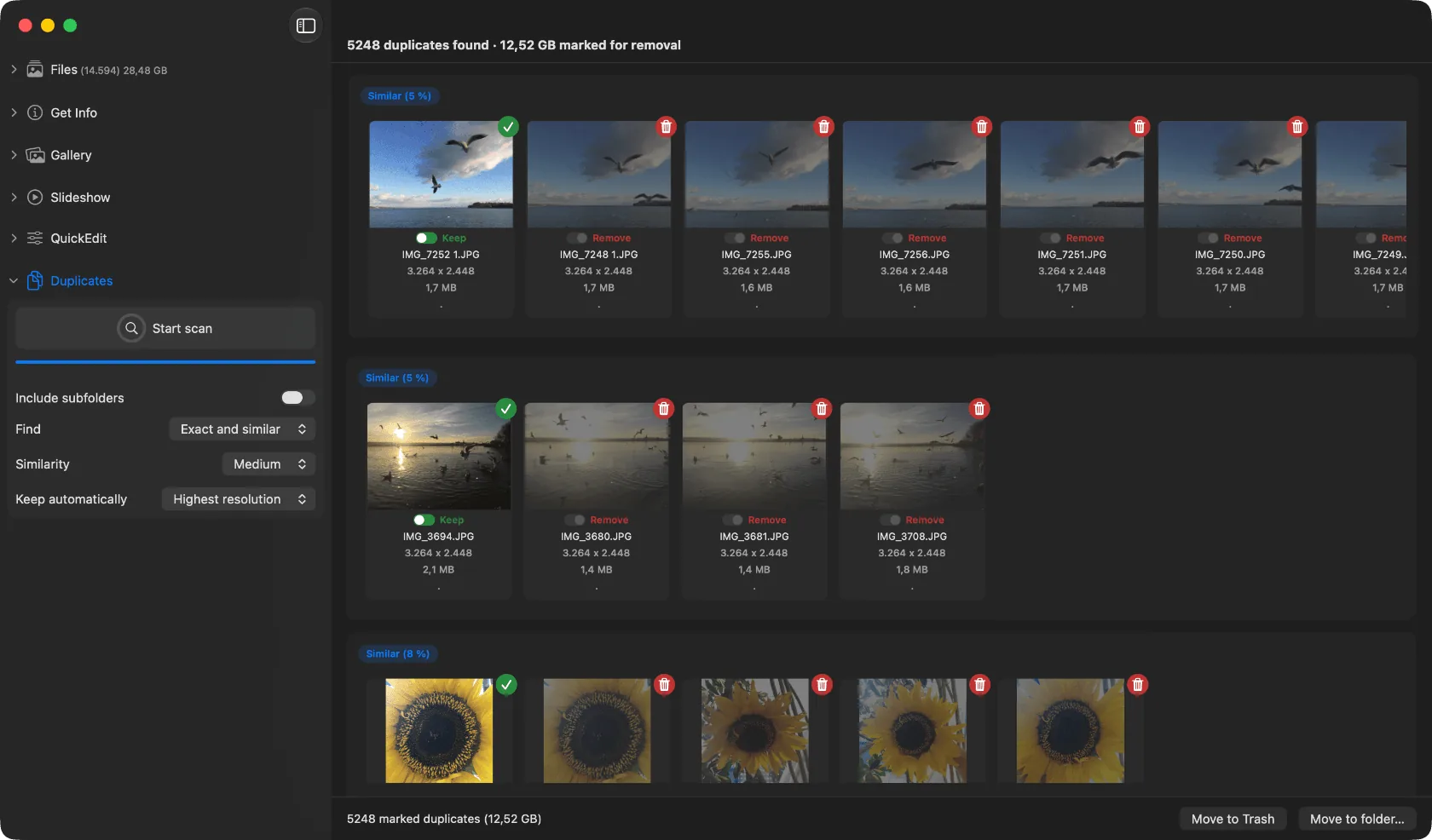
The duplicate scan in Phiewer 7 lays the candidates out as groups.
With version 7 Phiewer gets built in duplicate detection. Until now that meant a second program, often one that costs more than Phiewer PRO itself. From now on the viewer you already browse your photos in takes care of it.
Two things get found: exact copies, meaning identical files under different names or in different folders, and shots that merely look alike, for example the ten frames of a burst you only want to keep one of in the end.
How the scan runs
You pick a folder, Phiewer lays the findings out side by side as groups, and you decide per group which file stays. The rest goes in one step. On a second run, only what changed since then is checked again.
Everything runs locally on your Mac, nothing is uploaded. How the detection works technically and what the comparison looks like is on the duplicate finder page.
Included in Phiewer PRO
Duplicate detection is part of Phiewer PRO from version 7 on and costs nothing extra. If you already own PRO, you get it with the update.