
Hundreds of Thousands of Images, Without Stutter
Why the thumbnail grid in Phiewer suddenly handles everything after being rebuilt on an older, proven macOS foundation.
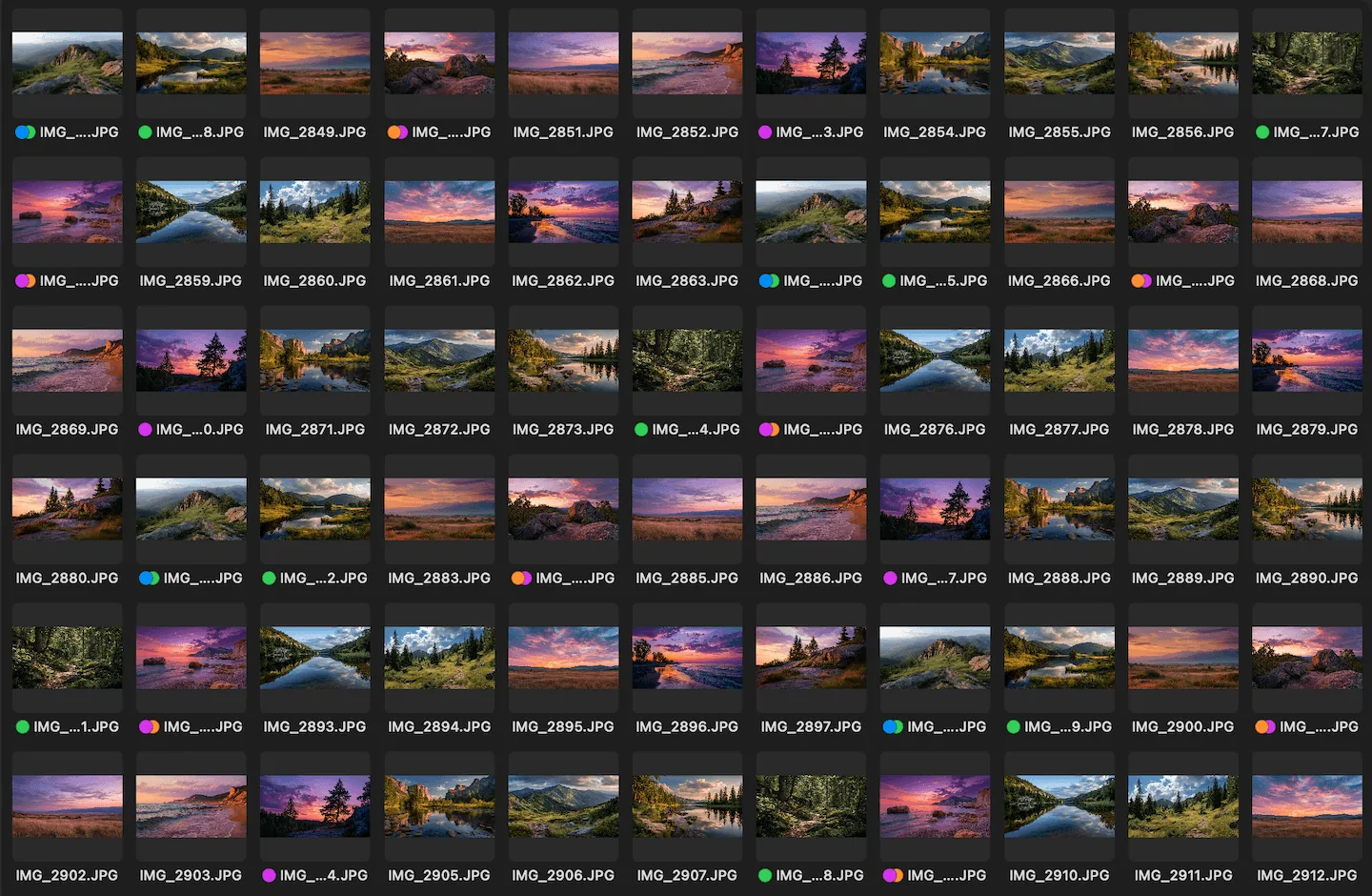
Smooth scrolling in the thumbnail grid, even with hundreds of thousands of images in a single folder.
Anyone who regularly reviews large photo shoots knows the problem: the folder contains 8,000, 14,000 or more images, and the image viewer starts to stutter. Scrolling feels sluggish, arrow keys react with delay, and jumping to a specific selection takes seconds instead of milliseconds.
This is exactly where Phiewer has made a big step internally. The thumbnail grid, both in the file sidebar and in the large gallery view, has been rebuilt from scratch. The look stays identical. But under the hood, the list now runs on an older, extremely proven Mac foundation that has been optimized for exactly this task for many years.
What Changed Technically
Until now, the thumbnail grids were built with SwiftUI, Apple's relatively young UI framework. SwiftUI is elegant and modern, but it has a weakness with very long, virtualized lists: jumping to a specific element further down the list becomes increasingly expensive as the number of images grows. In a folder with 14,000 photos, a single keystroke could block the main thread for about two seconds. For the new implementation, Phiewer therefore returns to the older, long-proven Mac foundation, while the individual tiles remain visually identical.
Why "Old" Is Better Than "New" Here
AppKit is the framework the Mac has been built on for more than twenty years. Finder, the Photos app, Mail, Preview: all of them rely on this foundation. That is exactly why it is so stable for huge lists. It was built for this exact use case and has been continuously refined over the years.
SwiftUI is the future, no question. But in some places it is not yet ready for what a professional image viewer demands. Instead of waiting for an update from Apple, Phiewer relies on what is proven to work today. The result: a tool that not only looks good, but also stays stable under load.
What You Notice as a User
- • Smooth scrolling even with hundreds of thousands of images. No matter how big the folder is, the grid reacts instantly.
- • No more hang when jumping to the selection. Even if the selected image is at the very end of the folder, it appears in view immediately.
- • Arrow keys react without delay. Fast clicking through images during culling works even for very large shoots.
- • Same look, same behavior. Context menu, drag-and-drop, renaming and selection all stay unchanged.
In short: it simply feels faster. And exactly in the places where noticeable delays used to appear.
Speed Is a Feature
An image viewer that struggles with large folders costs real time every day. Phiewer deliberately targets where most users spend the majority of their time: reviewing, comparing and culling large sets of images. That exact workflow should feel as if the number of images did not matter.
Update Now
The performance boost is available as a free update for all Phiewer users in the Mac App Store. Just install the latest version and open your next large folder. The difference is immediately noticeable.
For developers: how Phiewer went from Electron to Swift and AppKit, with code, is in the article From Electron to Swift.